Private browsing is useful when you understand the specific problem it is meant to address. It is less useful when its name becomes a promise that every part of an online activity is private. During travel, that distinction matters because you may be using unfamiliar connections, comparing bookings, or briefly sharing a device with someone else. Start with the question you want to solve rather than the icon you want to turn on.
This guide uses Firefox’s documented private-browsing behavior as a concrete example and offers a practical way to think about travel sessions. Other browsers and managed devices can differ. Check the documentation for the product and version you actually use, and do not assume a temporary browser window makes an unfamiliar computer appropriate for sensitive activity.
Understand the local-history purpose
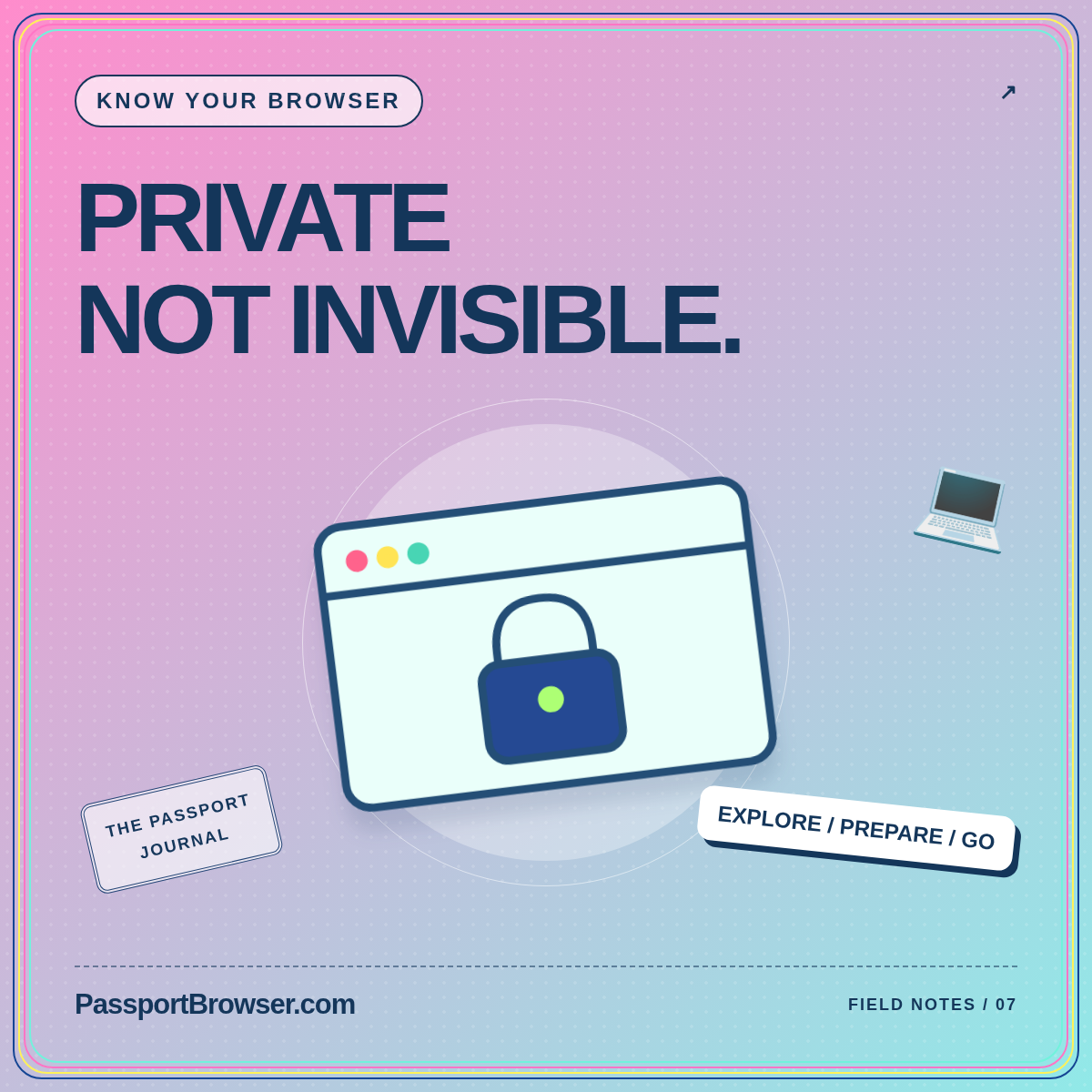
Mozilla’s explanation of private browsing myths says Firefox private windows limit what the browser saves locally, including browsing history and temporary session data. They do not make you anonymous to websites or your internet provider, hide your IP address, or protect against malware. Downloaded files and bookmarks can remain after the private session ends. These are distinct limitations, not small exceptions to a promise of invisibility.
A helpful mental model is a temporary browsing session, not a disguise. Use it when reducing the record left in that browser is the relevant goal. Continue making separate decisions about the device, connection, website, and information you submit. Writing down the exact purpose can prevent you from expecting one setting to solve several unrelated privacy concerns.
Match the tool to a travel situation
Consider a couple sharing their own laptop to review separate accommodation accounts. A temporary session may help them keep that short activity apart from the usual signed-in session. They should still understand the browser’s behavior, close the session deliberately, and check for any files they chose to save. That is a bounded use case with a clear beginning and end.
Now consider an unfamiliar public computer. Opening a private window does not answer who controls the machine or what software is on it. Treat the device question first, especially for identity documents, important accounts, or payment activity. You are allowed to postpone a task, use your own device, or ask the provider for another established process rather than accept the convenient option in front of you.
Do not turn price research into a privacy myth
A private window can offer another session in which to compare what a website displays. It does not establish why two prices differ. A meaningful travel-price comparison must also consider dates, room or fare type, currency, occupancy, included items, cancellation terms, and the point in time when the offer was available. Keep the actual booking conditions beside the displayed amount.
Avoid promising yourself that clearing a session will produce a lower fare. Instead, record comparable offers and return to the provider’s terms before purchasing. If a price changes during the process, verify the final total and conditions at checkout. Our travel planning hub focuses on organizing those decisions without claiming a particular browser setting guarantees a better deal.
Think about what you actively submit
A private window does not change the fact that you may choose to identify yourself. Before entering information, ask why the website needs it and whether you reached the intended service through a trusted route. Check the address and the booking context. Do not let the temporary appearance of the session distract from the information you are intentionally sending.
Keep document sharing separate from casual research. You can compare neighborhoods and transport options without uploading a full identity archive. When a legitimate provider requests a document, use its established process and understand the purpose before proceeding. A privacy setting is not a substitute for judging the request, and a familiar-looking page is not by itself enough to resolve that judgment.
Decide what should remain after the session
Before browsing, identify whether you need to keep anything: a reservation confirmation, an address, or an official guidance note. Save only what serves the trip and place it deliberately in your own document system. Avoid scattering important files across downloads folders and message threads. The document organization guide offers a structure for distinguishing current records from old research.
At the end, review what you actually saved rather than assuming the browser removed it. Use the product’s instructions for closing the private session. On a shared device you control or have permission to use, deal with any remaining personal files appropriately. Do not promise another traveler that “everything disappears” when you have not checked what was stored outside the temporary browser session.
Keep network safety as a different decision
Whether a window is private does not tell you how to evaluate a hotel or airport network. Use a separate routine for confirming connection details and deciding which tasks can wait. Prepare essential addresses and reservations in advance so you are not forced to handle a sensitive account merely to reach your accommodation. Our public Wi-Fi travel guide develops that practical routine.
Be equally careful with unexpected messages received during the session. A request referencing your itinerary still deserves verification through the provider’s established channel. The useful question is not “Am I in private mode?” but “Do I understand this request and the service receiving my information?” Keeping the questions separate makes it easier to make a proportionate decision instead of relying on one reassuring label.
Rehearse the browser you will actually carry
Before leaving, open a private session on your own device and practice the basic actions described by the browser’s help pages. Notice how the private window is labeled, how it differs from an ordinary one, and how to close all relevant private windows. Avoid practicing with sensitive information; an ordinary public page is enough to learn the interface.
If you use several devices, check each one rather than assuming desktop and mobile controls are identical. A device managed by an employer or school may also have policies you must follow. Ask the responsible administrator about work-related use before travel. The rehearsal should leave you with a simple, accurate description of what you are doing, not a collection of settings you changed without understanding.
Explain the limitations to travel companions
When sharing a device, agree on a short handover routine. Each person should know which account is open, whether files were saved, and when the session has ended. Do not ask someone to enter a password while another account’s page is still visible and hope the browser sorts everything out. Clear ownership of a session is an ordinary courtesy as well as an organizational benefit.
Keep the explanation practical: “This is a temporary session on our device, and we still need to check downloads.” That is more accurate than “Nobody can see this.” It also leaves room for companions to decline sharing a device for something personal. Respect that choice rather than treating familiarity or convenience as a reason to override someone’s privacy preference.
Use a clear end-of-session check
Before handing the device back, identify whether the session produced a file, bookmark, confirmation, or message that needs deliberate handling. Put anything you intend to keep in the correct private location and follow the browser instructions to end the session. Tell the next user that you are finished without claiming that every trace has vanished. This small routine is more informative than closing whichever window happens to be visible and hoping all related activity has ended. It also makes a shared device less confusing when several people are arranging different parts of the trip.
Conclusion: use a precise tool for a precise purpose
Private browsing can help with local session separation and browser-history preferences. It is not anonymity, a network assessment, a price guarantee, or protection from a compromised device. Use it deliberately, understand what persists, and close the session with the same care you used to open it. Travel technology becomes more useful when its limits are clear enough to fit into an ordinary, repeatable routine.